EDIT FASTER.
PUBLISH MORE
STOP LEARNING TOOLS YOU DON’T NEED.
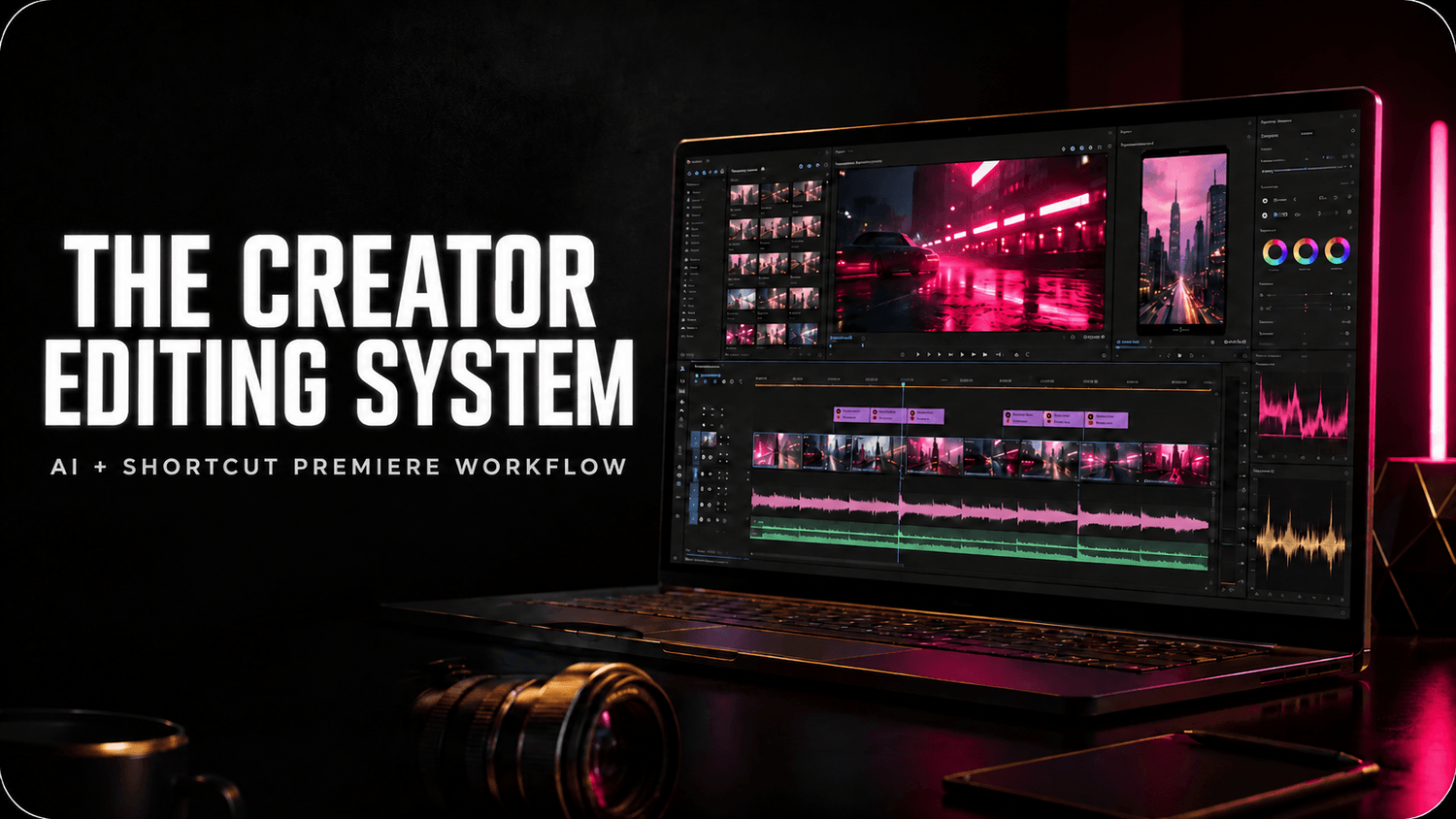
The Creator Editing System shows you how to edit dramatically faster using AI, keyboard shortcuts and a simplified Premiere Pro workflow.
No endless clicking.
No learning every Premiere feature.
No rebuilding your workflow every time you edit.
Just the tools and steps that actually help you finish videos.
One-time payment. Taxes calculated at checkout.
✓ Guided real-world edit-along
✓ Premiere Pro desktop
✓ No paid plugins needed
✓ AI + shortcut workflow
✓ 12 months of access
✓ 30-day money-back guarantee
EDIT FASTER
Use keyboard shortcuts, Text-Based Editing, AI tools and presets to remove repetitive work from your editing process.
REMOVE THE CLUTTER
Skip the tools and features that don’t help you create, finish or publish your videos.
REPEAT THE SYSTEM
Stop figuring out your workflow from scratch every time. Follow the same editing system for every video.
WHY THIS COURSE
THE GOAL ISN’T TO MASTER PREMIERE.
THE GOAL IS TO FINISH YOUR VIDEO.
Premiere Pro can do thousands of things.
You don’t need thousands of things.
You need a small set of tools, shortcuts and repeatable steps that take you from:
RAW FOOTAGE
↓
CLEAN EDIT
↓
POLISHED VIDEO
↓
PUBLISHED CONTENT
EDITING SHOULD NOT TAKE ALL DAY.
You sit down to edit one video.
Then you start trimming manually.
Clicking through menus.
Searching YouTube for another tutorial.
Fixing pauses one by one.
Trying tools you probably don’t need.
And suddenly hours are gone.
The Creator Editing System gives you a simpler way.
• AI-assisted editing
• keyboard shortcuts
• Text-Based Editing
• faster rough cuts
• reusable presets
• clean audio
• simple captions
• efficient B-roll
• fast exports
• content repurposing
So instead of becoming a Premiere Pro expert…
you become someone who can actually finish videos quickly.
THE CREATOR EDITING SYSTEM
A practical Premiere Pro workflow built for creators who want to spend less time editing and more time creating.
EDIT WITH SHORTCUTS
Replace repetitive clicking with the keyboard shortcuts that actually matter.
USE AI WHERE IT SAVES TIME
Use Premiere’s Text-Based Editing, Media Intelligence, Enhance Speech and other useful AI-assisted tools to speed up rough cuts, clean up dialogue and create captions.
CUT THE UNNECESSARY STUFF
You don’t need to know every panel, effect or setting inside Premiere. Learn the small set of tools you’ll actually use again and again.
BUILD ONCE. REUSE EVERY WEEK.
Create a repeatable project structure, editing order and export workflow instead of starting from zero every time.
TURN ONE VIDEO INTO MORE CONTENT
Take the same finished video and quickly find moments for Shorts, Reels and TikToks.
FULL REAL-WORLD EDIT
Watch a creator video go from raw footage to finished export.AI + FAST EDITING WORKFLOW
Use Premiere’s most useful AI-assisted features where they actually save time.
KEYBOARD SHORTCUT WORKFLOW
Learn the shortcuts that remove unnecessary clicking and speed up repetitive editing tasks.
SIMPLIFIED PREMIERE WORKFLOW
Focus on the tools creators actually need instead of trying to learn the entire program.
SHORTS + REELS WORKFLOW
Turn your long-form content into vertical content without rebuilding everything from scratch.PRESETS + CHECKLISTS
Reuse project structures, settings and publishing workflows.
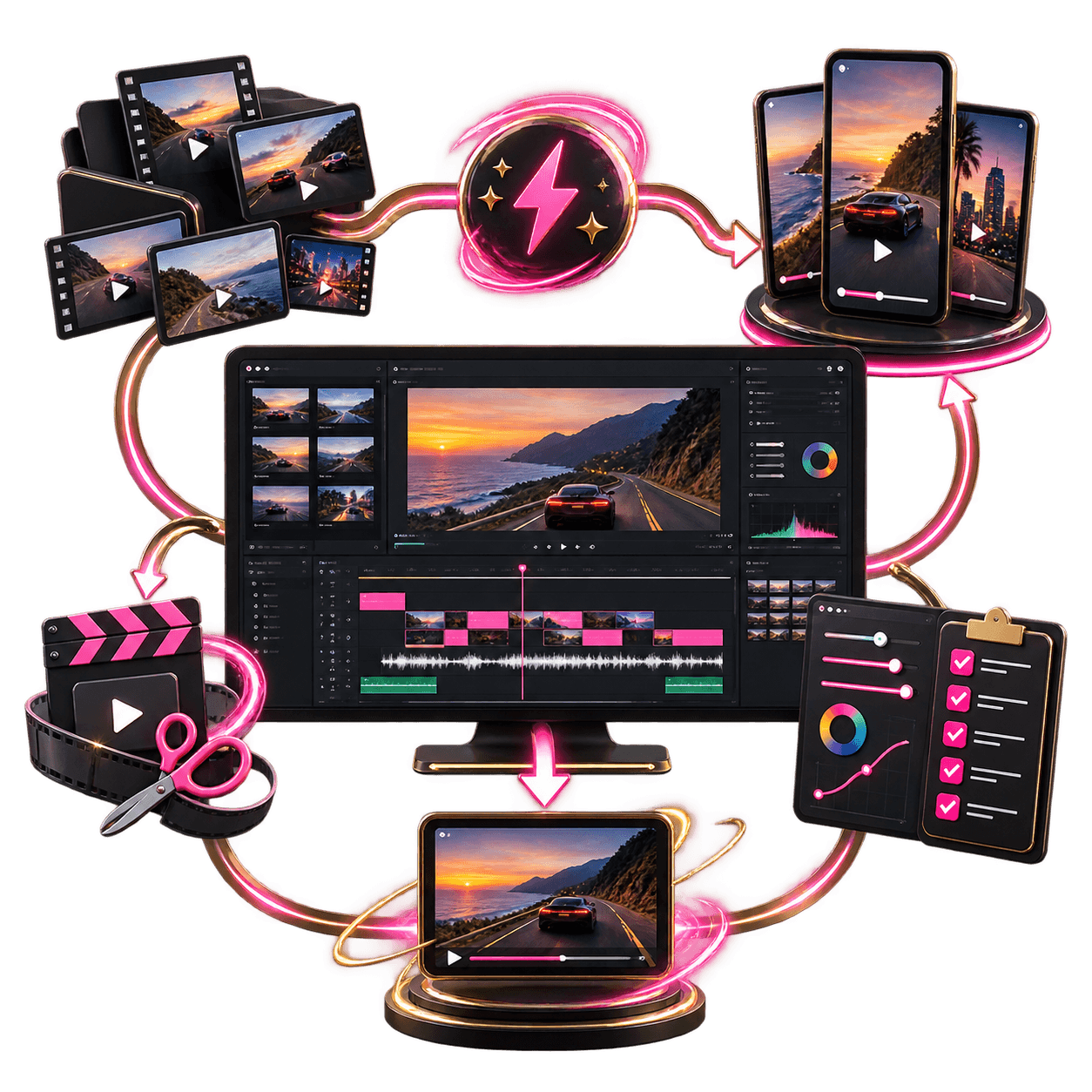
THE CREATOR EDITING SYSTEM
$49
USD + applicable taxes
One-time payment. Taxes calculated at checkout.
What you'll get:
Full creator edit from raw footage to final export
AI-assisted Premiere workflow
Essential keyboard shortcuts
Text-Based Editing workflow
Simplified editing system
Audio + caption workflow
YouTube → Shorts + Reels workflow
Reusable project structure
Export settings + publishing checklist
CapCut Creator Quickstart
12 months of access
30-day money-back guarantee
THE PROGRAM
EVERYTHING YOU NEED TO FINISH AND PUBLISH
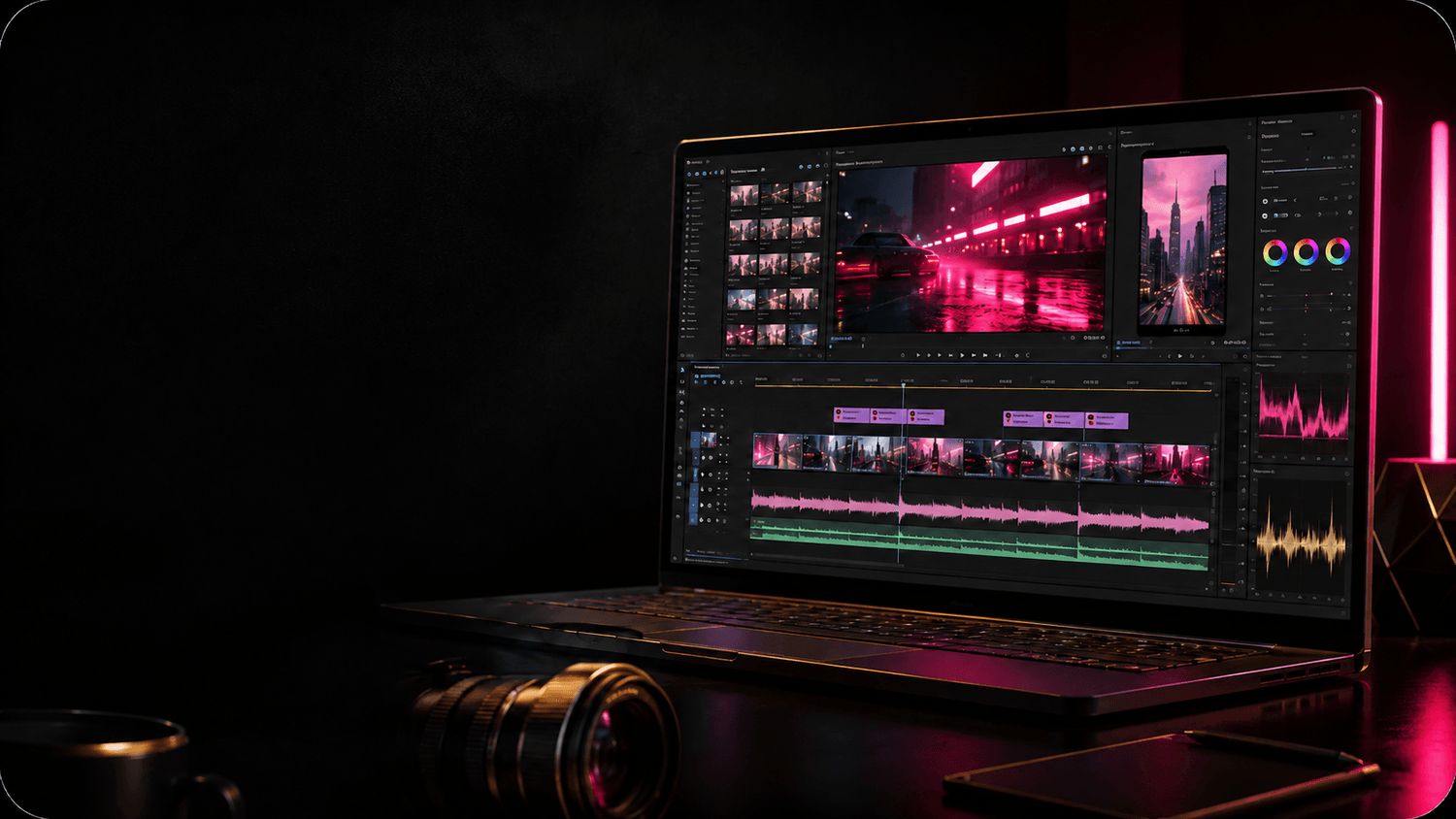
THE FASTEST WORKFLOW IS THE ONE YOU CAN REPEAT.
You don’t need another huge Premiere course. You need a repeatable editing system you can actually use.
Follow one real creator edit from raw footage to finished video and learn the workflow step by step.
START HERE
BUILD YOUR EDITING SYSTEM
Set up Premiere so the tools you use most are ready when you need them. Organize your footage, workspace, shortcuts and project structure before the edit begins.
MODULE 1
THE FAST CUT
Turn raw footage into a clean first edit without manually fighting every clip.
• fast footage organization
• keyboard-first editing
• removing mistakes and dead space
• Text-Based Editing
• pacing
• B-roll
• efficient timeline navigation
MODULE 2
AI + SHORTCUT WORKFLOW
Use AI and automation for repetitive editing work.
• Premiere Text-Based Editing
• Media Intelligence
• Enhance Speech
• automatic captions
• useful presets
• essential keyboard shortcuts
• ways to reduce repetitive clicking
MODULE 3
POLISH WITHOUT OVEREDITING
Make the video look and sound finished without spending hours tweaking things viewers barely notice.
• clean dialogue
• music balancing
• simple visual polish
• B-roll
• captions
• basic color workflow
• reusable settings
MODULE 4
YOUTUBE → SHORTS + REELS
Turn the content you already created into additional short-form videos.
• finding strong moments
• reframing vertically
• adapting pacing for short-form
• Shorts
• Reels
• TikTok
• fast exports
MODULE 5
THE REPEATABLE PUBLISHING SYSTEM
Finish the video and move on.
• file naming
• reusable project structure
• export presets
• publishing checklist
• archiving
• preparing the next video without rebuilding everything
BONUS
CAPCUT CREATOR QUICKSTART
Sometimes you don’t need Premiere. Learn a simple CapCut workflow for quick edits, mobile-first content and beginner-friendly projects.
FAQs
GOT QUESTIONS?
IS THIS A PREMIERE PRO BEGINNER COURSE?
Yes — but this is intentionally not a “learn every Premiere feature” course. The goal is to teach you the tools and workflow you actually need to create and publish creator videos efficiently.
DO I NEED TO KNOW PREMIERE ALREADY?
No. The system is designed to show you the workflow step by step while you follow a real edit from raw footage to finished video.
DO I NEED ADOBE PREMIERE PRO?
Yes. You’ll need the desktop version of Adobe Premiere Pro. Premiere Pro itself is not included with the course.
DO I NEED PAID PLUGINS?
No. The core workflow uses Premiere Pro and its built-in tools.
IS THIS ONLY ABOUT AI?
No. AI is part of the system — not the whole system. You’ll combine AI-assisted tools with keyboard shortcuts, good editing decisions, presets and a repeatable workflow.
WILL THIS TEACH ME EVERY PREMIERE TOOL?
No. That’s the point. This course focuses on the tools that help creators edit and publish efficiently instead of turning Premiere into another thing you have to study for months.
HOW LONG DO I HAVE ACCESS?
You receive 12 months of access from the date of purchase.
WHAT IF THE COURSE ISN’T RIGHT FOR ME?
Email titam@protitam.com within 30 days of purchase to request a refund.
YOU DON’T NEED MORE EDITING TUTORIALS.
YOU NEED AN EDITING SYSTEM.
Stop learning random Premiere tricks.
Stop rebuilding your workflow.
Stop spending hours clicking through tools you barely use.
Build one simple editing system using AI, shortcuts and the Premiere tools that actually matter.
Then use it again.
And again.
And again.
EDIT LESS.
CREATE MORE.
PUBLISH MORE.
THE CREATOR EDITING SYSTEM
$49
USD + applicable taxes
One-time payment. Taxes calculated at checkout.